Adding mods to ARK server
This way of adding mods require you to have them already downloaded locally
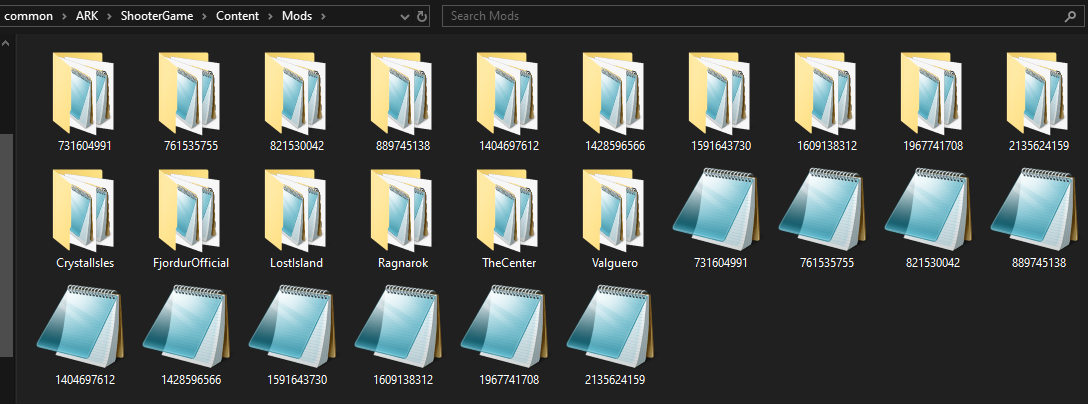
1. Find mods you want to add to the server (\SteamLibrary\steamapps\common\ARK\ShoooterGame\Content\Mods)
ActiveMods=modNumber for example ActiveMods=889745138,821530042