Zum Hauptinhalt springen

Adding mods to ARK server

This way of adding mods require you to have them already downloaded locally​

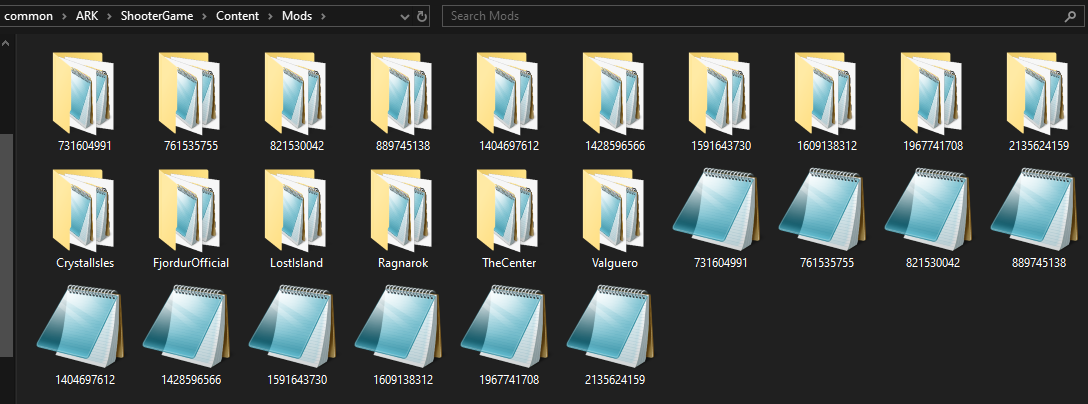
1. Find mods you want to add to the server (\SteamLibrary\steamapps\common\ARK\ShoooterGame\Content\Mods)​

Mods

2. Using SFTP connection transfer both folders and .mod files to the server (\deployment\serverfiles\ShooterGame\Content\Mods)​

3. Modify GameUserSettings.ini.scroll_template section [ServerSettings] by adding following line ActiveMods=modNumber for example ActiveMods=889745138,821530042​

4. Restart server and enjoy​